




App Gallery
Let’s have a look, how our app looks..!

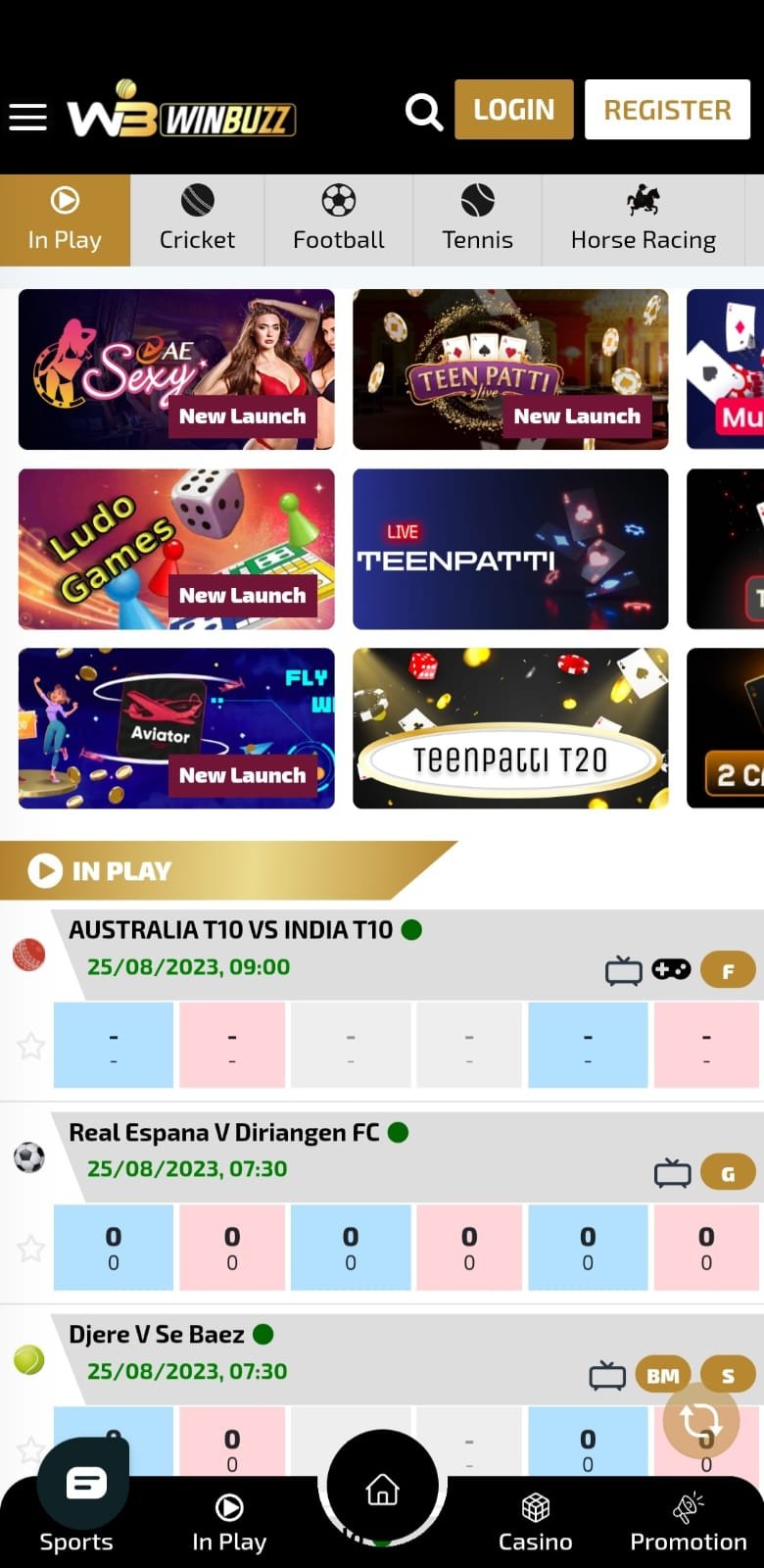
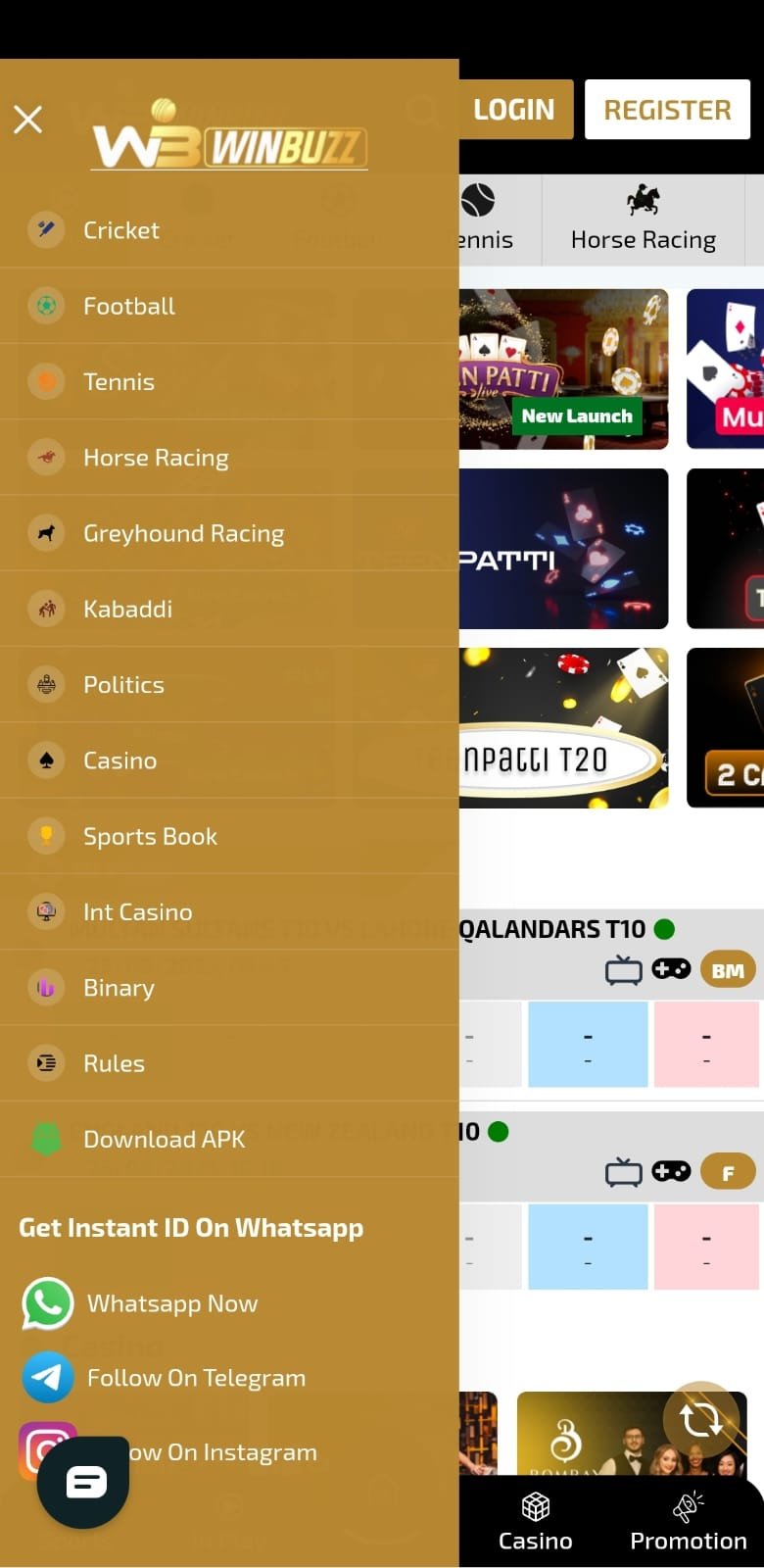

How to install the application?
Let’s have a look at how to install the application on your device
1

Download from website
You can follow the winbuzz.in to download your latest application instant and enjoy our services
2
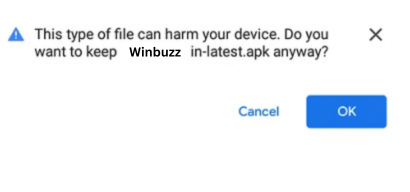
Confirm
Confirm the Winbuzz.apk. download apk, if needed.
3
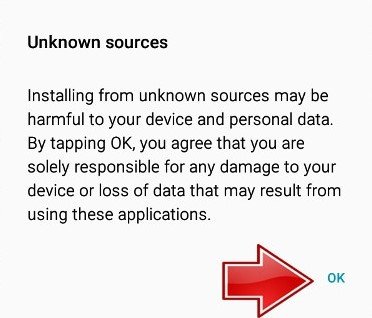
Device settings
Open your mobile device settings. Give permission to install apps downloaded from unknown sources.
4

Downloads folder
Open the "Downloads" folder. Tap on the downloaded Winbuzz.apk
5
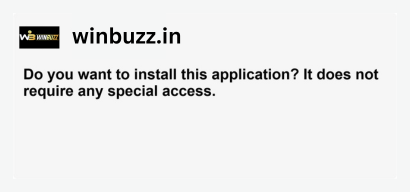
Install
Tap on "Install".
6
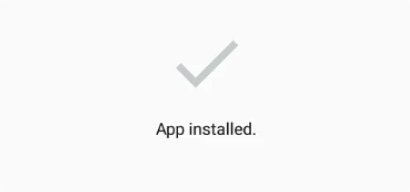
Success
The app has been installed.